Callie Norton
January 12, 2026
•
6
min read

Missed follow-ups cost practices revenue, time, and trust. And, it often happens even when the right tools are already in place. In a recent Doctible fireside chat, our experts shared the most overlooked features that reduce everyday friction: faster responses, smoother first visits, stronger recall, and less manual chasing.
Here are the quick wins to start using now.
Recalls are one of the simplest ways to bring patients back for overdue care, but only if they happen consistently. That’s why Doctible built them to work in the background, handling follow-up without the manual chase.
As Danielle, Customer Success Manager at Doctible, put it during our fireside chat: recalls should feel “automagical.” You define the rules once, and the system keeps outreach moving every day, no staff intervention required.
Teams commonly use recalls to re-engage:
Set your preferred cadence (ongoing or monthly) and Doctible keeps the pipeline warm.
The payoff? A predictable stream of returning patients, achieved without piling more tasks onto an already stretched front desk.
Messaging assignments solve a simple but costly problem: messages in shared inboxes that sit untouched because no one knows who should reply.
During the fireside chat, Jon explained how this works in practice:
“If you have multiple users at your practice, you can assign messages to specific folks. If someone’s asking about billing, that message can go directly to the person who handles billing. It’s a little under the radar, but it’s really helpful for your office workflow, and we’re all about saving you time.”
Clear ownership means less triage, fewer bottlenecks, and faster responses. It’s an underrated upgrade that delivers real impact.
Silent on your reviews? Patients notice.
In fact, research shows that unanswered negative reviews significantly reduce a patient’s likelihood of choosing a provider, while a professional response can restore confidence. In many cases, silence does more damage than the review itself.
As Danielle put it, “How you respond to reviews is also a representation of your business.”
Response templates make it easier to reply quickly and consistently without starting from scratch. They help your team stay on brand, respond after hours, and avoid missteps that can hurt trust or raise HIPAA or PHI concerns.
Used well, templates acknowledge patients, protect your reputation, and save staff time.
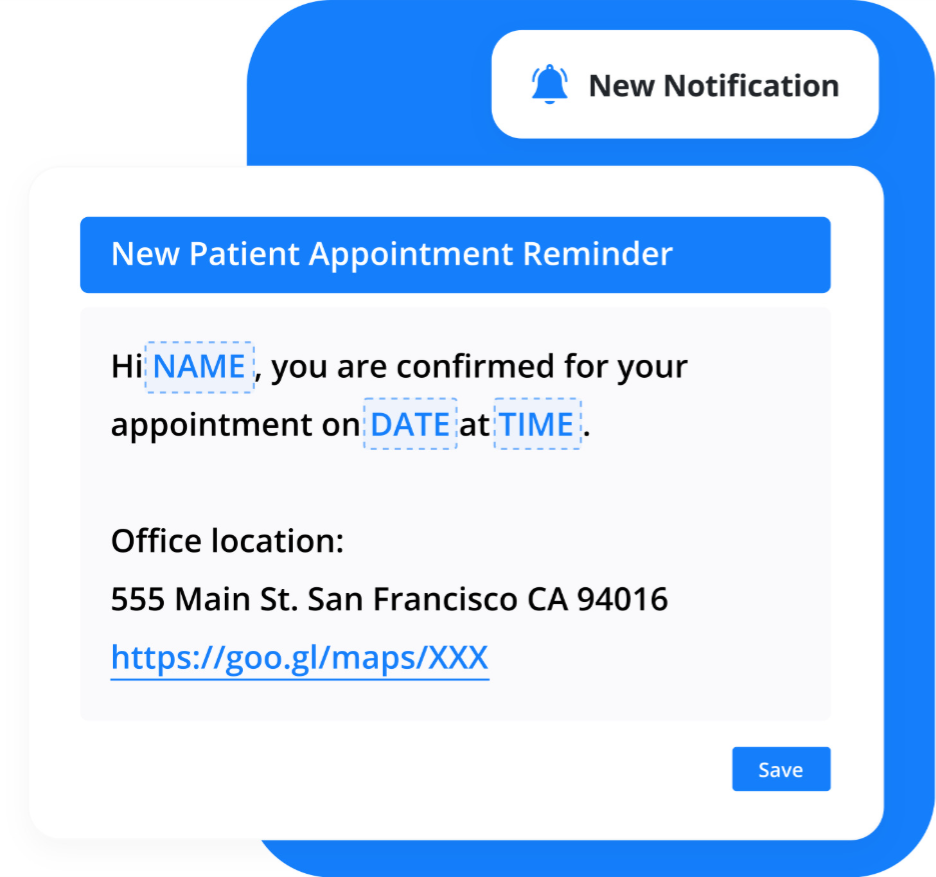
The fastest way to reduce day-one friction is to handle intake and expectations before the patient arrives. Digital forms sent with reminders eliminate clipboard handoffs, while clear “arrive early” messaging sets expectations and keeps schedules from starting behind.
“One feature—and nobody really has it—is Traffic Alert. I don’t want to go to an appointment rushing and already late. And that leads to one patient being late, staff getting nerve-wracked, the doctor rushing the appointment. Then, at the end of the day, that patient’s 30 minutes out for their visit... I think that plays a big role in making everything smooth for the practice and for the patient as well.”
–Nick, Account Executive
Traffic Alerts close the gap reminders can’t. Combined with digital intake and clear pre-visit messaging, they prevent late arrivals, protect the schedule, and help the first visit start the way it should.
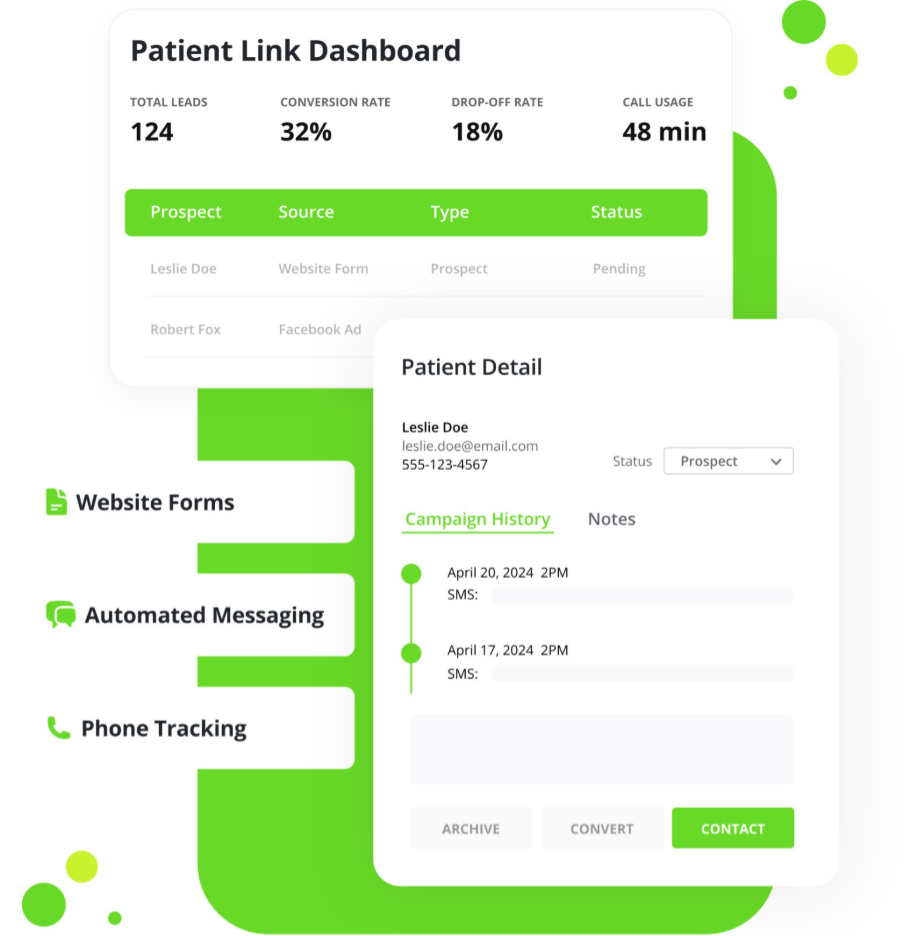
No practice plans to miss or delay follow-up. However, slow speed-to-lead happens more often than most expect. Between after-hours inquiries and phones ringing while staff are with patients, responses can sometimes go out hours later or not at all. And by the time follow-up happens, many of those leads are already gone.
“Your biggest challenge is missed calls or slow responses, and then the reason leads don’t end up scheduling is because they change their mind or never call back. What we want to do is break that cycle. And that’s why we developed Patient Link, to automate that inbound lead follow-up process for you so you don’t actually have to reach out to those patients.”
–Jon, Senior Product Manager
Most practices set things up once and never look back. Over time, powerful features sit unused simply because no one has reviewed the account since onboarding.
A quick account health check with Support or your account rep can reveal tools that were never enabled, features added since you first signed on, and workflows that could be doing much more for your team.
As Danielle put it, “Sometimes it’s good to wipe the dust off. A lot of offices signed up years ago, and our packages have really revolutionized since then.”
Revisiting your setup helps you get more value out of what you already pay for, without adding new software or more work.
When patients can book, show up, arrive confidently without extra back-and-forth, your team feels it immediately.
Together, these operational wins make engagement smoother for patients and lighter for staff, without changing your core workflows.
You don’t need to overhaul everything at once. Pick one focus each week and keep it realistic for how your office runs.
At the end of the month, there’s less to chase, fewer callbacks, and fewer things slipping through the cracks.
Use these metrics to spot where missed follow-up is costing your practice.
Suggested KPIs
By watching these numbers closely, you can catch follow-up issues early and correct them before they start affecting growth.
The features that make the biggest difference are usually the ones you overlook. The underrated tools inside Doctible streamline your day in simple, practical ways. They reduce back and forth, keep follow-up active, and help your schedule run more predictably without adding pressure to your team.
When you put these features to work, patients move through their visit with fewer questions, and your staff gains more room to focus on care. Small updates create noticeable improvements in communication, collections, and first impressions without changing how your office runs.
If you want to see where your practice can gain time back, reach out and we’ll highlight the simple adjustments that streamline your day immediately.
Book an account review and discover how much easier your day can run with the right features active.

Doctible. (2026). Doctible Business Associate Agreement. https://cdn.prod.website-files.com/634140deb6d8840ffe3864a0/64121ad416e1a263594b89b0_Doctible%20BAA-new%20brand.pdf
Han, X., Lin, Y., Han, W., Liao, K., & Mei, K. (2024). Effect of Negative Online Reviews and Physician Responses on Health Consumers’ Choice: Experimental Study. Journal of Medical Internet Research, 26, e46713–e46713. https://doi.org/10.2196/46713
Norton, C. (2025, October 2). 8 Tasks Your Front Desk Should Never Have to Do Again. Doctible. https://www.doctible.com/blog/front-desk-tasks-automation
Norton, C. (2026). Why Speed-to-Lead Is the Missing Link to Winning More Patients. Doctible. https://www.doctible.com/blog/speed-to-lead

If you want the best digital patient engagement and marketing platform, you need Doctible.